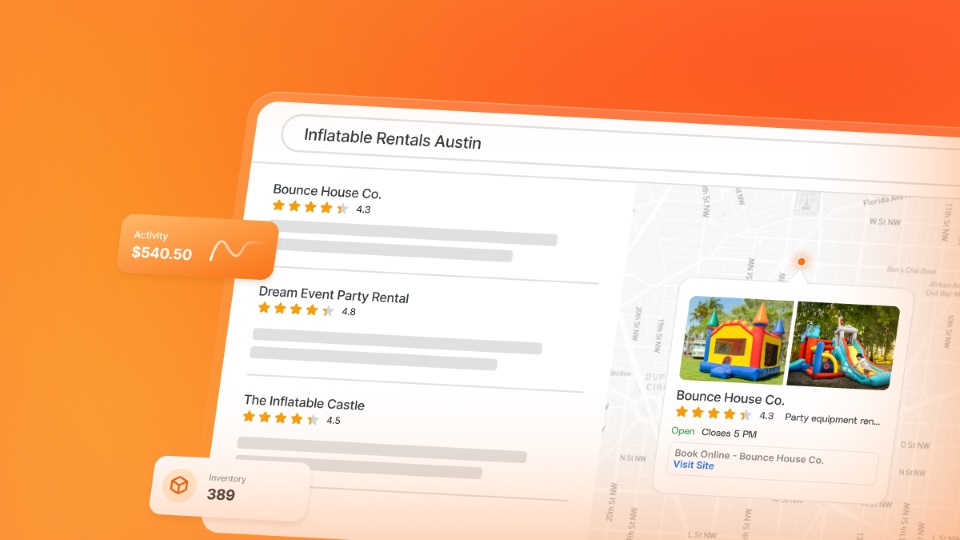

Easy to follow steps to set up a Google Business Profile that shows up in Google Search & Maps and turns local searches into bookings with no website required.
Show Up in Google Search Without a Website
Every party rental business owner wants more bookings. But not every party rental business owner is using the right tools to get more bookings. If you rent bounce houses, tents, tables, chairs, photo booths (or any rental gear) setting up a Google Business Profile (GBP) is where you should start with your online presence.
Many party rental owners operate without a website, and to set one up will cost money. But setting up a GBP is free and can act in place of a dedicated website.
So if you’re interested in getting more bookings and increasing revenue, but don’t have the budget for digital marketing campaigns, read further about how a Google Business Profile can solve your small business dilemma.
TL;DR Overview
- A Google Business Profile helps party rental companies appear in local Google searches and Maps.
- Ranking in the Local Pack can drive bookings directly from search results.
- Step by Step instructions on creating and verifying a free profile.
- Optimizing categories, photos, and services improves visibility.
- Reviews and regular updates help build trust and attract more bookings.
Win the Local Pack First, Build a Website Second: Why Local SEO Matters
It’s safe to assume that customers looking for party rentals start with a local google search, since it is estimated that about half of all Google searches have local intent. This means that your target audience will be searching using terms like “party rental near me” or “tent rentals in Austin.”
This means that if you’re a party rental business owner, local SEO should be a main focus of your marketing efforts since your business operates in a localized area. Setting up and optimizing a Google Business Profile for party rentals is the most effective way for your event rental business to gain visibility right where your customers are searching — on Google Search and Maps.
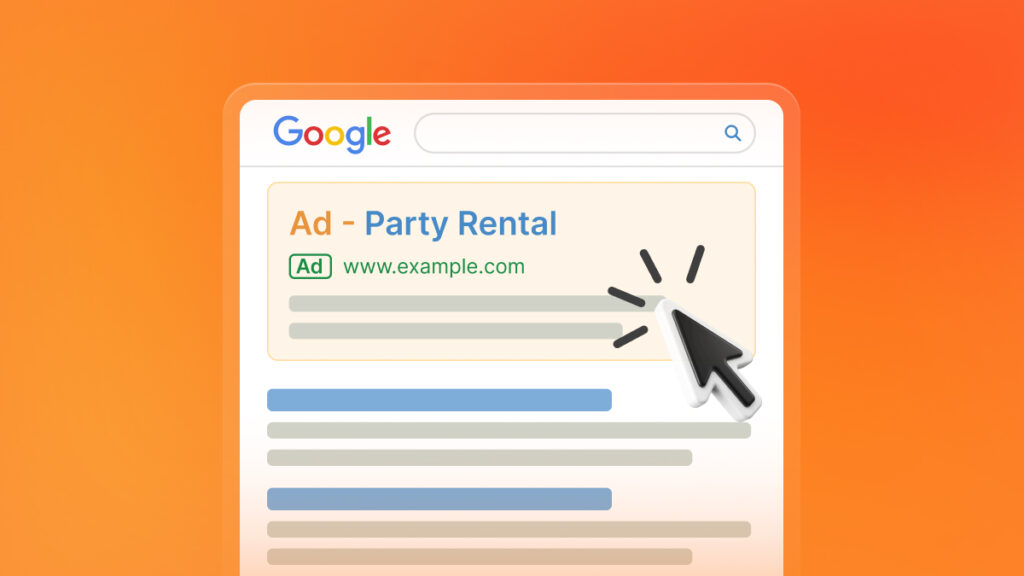
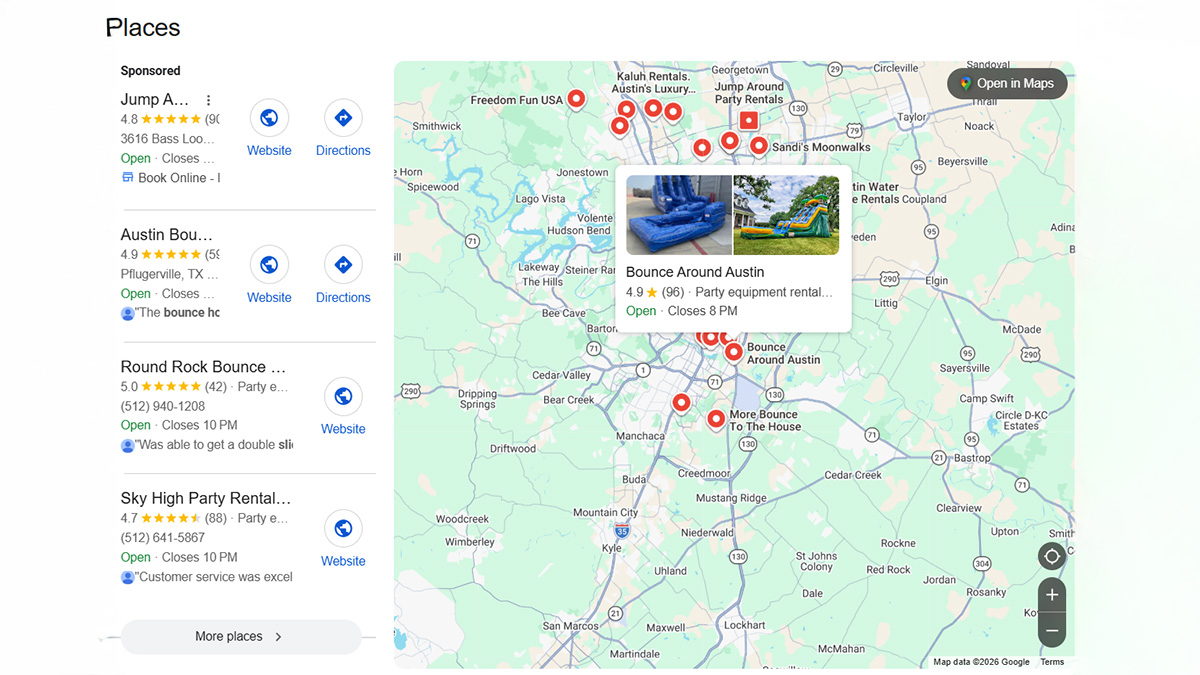
When Google recognizes that a search has local intent, it will display the Local Pack (sometimes called the Map Pack). These are the three map results that typically appear above the regular organic listings.
This is prime search engine result real estate as this gives you the chance to appear above the highest ranked organic listings without any investment in an SEO strategy.
Another key takeaway is that if your business is not listed in that pack or on Google Maps, you’re practically invisible to ready-to-book customers.
Also noteworthy is the fact that GBP is free to claim and manage, which means you can control how you appear on Search and Maps without spending a dime. For new party rental business just starting out, free marketing with high ROI is extremely valuable.
This doesn’t mean that websites aren’t valuable, in fact, they are key to long-term growth, but businesses just starting out should have their GBP in place before thinking about launching a website.
How to Set Up Your GBP Profile Step by Step
Follow these steps (per Google Help) to claim and complete your free Google Business Profile so you can show up in Google Search and Google Maps. Keep in mind that you will need to have a regular google account before you can set up your GBP, and if you select Service-area business you may be offered the video verification option instead of regular mail.
- Go to google.com/business and sign in: You can add or claim a profile at no charge and manage it right from Search/Maps.
- Enter your business name: Use your business name appearing in legal documentation.
- Choose your business category: Start with “Party equipment rental service” as your primary category. Add secondary ones that are relevant, like “Tent rental service” or “Bounce house rental”. Categories help Google decide which searches to show you for.
- Set your service area: Most rental companies deliver and set up at the customer’s location. Set cities/ZIPs you serve and hide your address if you don’t serve customers at your home/yard.
- Add hours & holiday hours: Add standard hours and keep special/holiday hours updated so customers aren’t surprised.
- Add phone number & booking method: Add a phone number and a booking link (quote form, booking software, or Reserve/third-party if applicable). You can manage booking/ordering links directly in your profile.
- Add relevant attributes: Turn on relevant accessibility and identity attributes (e.g., wheelchair accessible areas, veteran-owned). These show visibly on your profile and can help win trust.
- Write your business description: A short overview with your core inventory and service radius. Keep it under 750 characters.
- Upload photos & videos: Upload real photos of bounce houses, tents, chairs, before/after setups, your team, truck, and a short yard/setup clip. Photos appear after verification and can boost conversions.
- Complete verification: Finish verification (postcard, phone, email, or video—methods vary). You’ll gain full control, and only verified profiles fully show and perform in Search/Maps.
How to Optimize Your Google Business Profile for Party Rentals
Your Google Business Profile should give renters everything they need to choose you: clear inventory and pricing, trust-building reviews and photos, and a one-tap way to call or book.
Reviews: Ask, Respond, and Build Trust
Send a message with a direct link to every happy customer and politely ask if they could write you a review (but never incentivize reviews as this violates Google’s review policy). Respond to every review—good or bad.
Products/Services: Name Items, Include Descriptions, Add Photos, List Prices
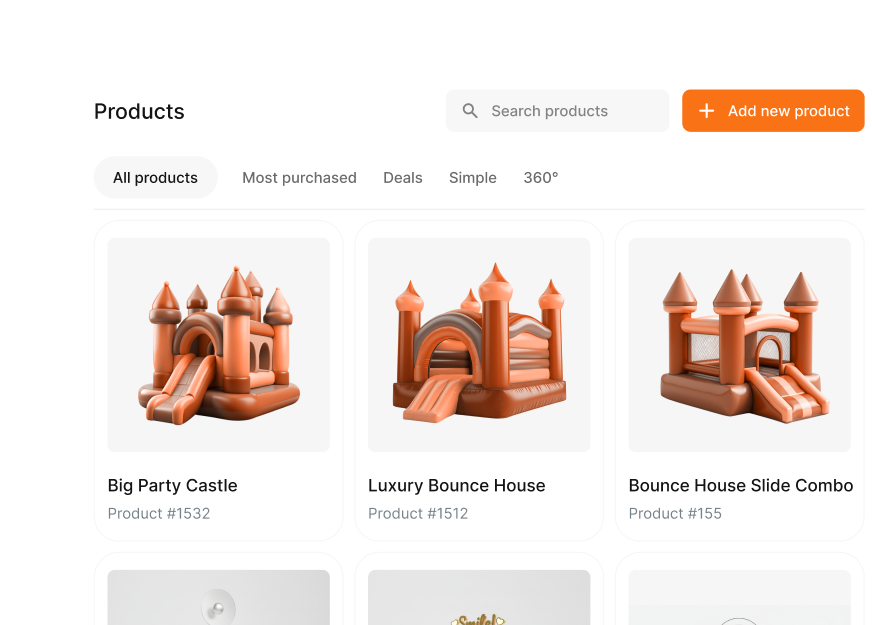
Add you inventory items as Products (e.g., “Combo Bounce House”) and your delivery details under Services. Include clear, high-quality photos and pricing.
Posts for Party Rentals: Promote Deals, Events & Last-Minute Openings
Publish a short weekly update: weekend availability, weather backup plans, seasonal packages (graduations, fall festivals), or last-minute openings. Posts appear on your profile in Search/Maps.
Lead Capture & Response: Phone, Booking Link, Fast Follow-Up
Add clear ways to contact you by phone and provide a booking link. Make your booking link “preferred” so it is the first shown to the customer. In your description give the customer a response time in case they don’t reach you the first time.
FAQs: Delivery, Setup, Policies
Start the questions & answers section with FAQs about delivery fees, rain/wind policy, setup times, surface requirements, power needs, and cancellation rules. Then answer them from your business account so they appear publicly.
Set Up Tracking to Know What’s Working
Add consistent UTM tags to your profile links so google analytics can credit traffic and leads from your GBP. Use a call tracking number listed under phone so you can track leads that contacted you by phone.
Regularly Update Your Profile to Stay Visible and Relevant
Keep your business name, address, and phone number (NAP) and content regularly maintained as this demonstrates that your profile is active and responsive, factors which can improve your visibility in local search.
Common Mistakes to Avoid with Your Google Business Profile
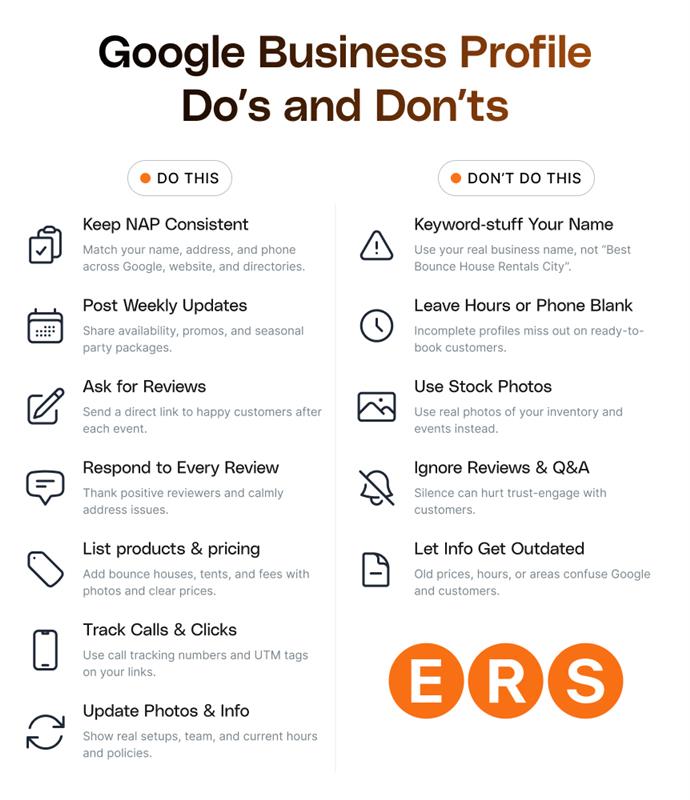
Having a strong Google Business Profile is the best SEO strategy a party rental business can start with – if you set it up for success. Here are some common GBP mistakes that you want to avoid:
- Not maintaining NAP consistency: Make sure your contact information is consistent across your website, social media, and directory sites.
- Picking the wrong category (or only “General rental”): Categories influence what searches you will appear in.
- Never finishing verification or leaving hours/phone incomplete: Getting verified is what allows you to control and edit all aspects of your profile
- Trying to keyword stuff the name of your business (e.g., “Best Bounce House Tent Rental City”): This risks edits or suspension. Use your business’s real name.
- Using stock photos: Using photos of your actual inventory, team, setups, and events you’ve rented equipment for helps build customer trust.
- Ignoring reviews/Q&A: Responding to reviews, good and bad, shows you value your customers and will build a good business reputation.
Set Up Your Google Business Profile in 15 Minutes (Step-by-Step Video)
Follow our step-by-step tutorial as we show you how to claim, verify, choose categories, set service areas, add photos, and publish your profile from start to finish.
Claim your profile now: google.com/business.
ERS Google Business Profile Services: Built for Local Pack Success
ERS makes it easy to get the benefits of a fully optimized Google Business Profile without having to manage it yourself. If you’re already an ERS customer and want to improve visibility in the Google Map Pack results for queries like “party rentals near me,” we can set up, manage, and optimize your profile to convert more searches into calls and bookings.
This package is designed to boost your visibility in Google Maps while simultaneously giving Google activity signals that market your business as active, relevant, and trusted.
We accomplish this with three core services as part of a single package:
Google Business Profile Optimization & Management
We handle the work that keeps your listing fresh and helps improve your visibility in local results:
- Full GBP optimization (categories, services, descriptions, and key ranking signals)
- Weekly Google Business Profile posts to keep your listing active
- Photo updates to build-up profile content and improve engagement
- Ongoing adjustments focused on improving map rankings and local visibility
Social Media Content Automation
We also post content on these social media channels that will reinforce your messaging, boost online visibility and keep your brand active:
- YouTube
GoHighLevel CRM
As stated previously, reviews are one of the biggest drivers of Map Pack performance and customer trust. That’s why we include GoHighLevel integration to for these key functions:
- Automated review requests
- Reputation management
- Missed-call to text back
- SMS and email follow-ups
- Automated review responses
- Learn more about HighLevel for Event Rental Businesses
Our strategy is simple, but effective: keep your Google Business Profile active, collect new reviews consistently, and reinforce your messaging across social platforms. All of these combine together to improve your Map Pack visibility and generate more bookings.
ERS marketing services are built for ERS software users. If you’re an ERS user who would like to have your GBP profile, social media presence, and CRM service managed professionally, book an ERS Marketing Services demo in your customer portal.
If you’re not a current ERS user, consider joining the Event Rental Systems platform. Thousands of rental businesses use our software for inventory tracking, online booking, routing, mobile apps, and more. Book your free demo today to learn more about ERS software.
Frequently Asked Questions
How Important Is a Google Business Profile for My Business?
A Google Business Profile can be considered essential for any party rental business since it gives you visibility on the main platform where “ready-to-book” customers are searching. It is free to claim and manage, making it the most cost-effective way to drive bookings without a website.
Do I Need a Website to Get Bookings From My Google Business Profile?
No, you do not need a website to get bookings through Google Business Profile. Your GBP is basically your online storefront where customers can find your business, contact you, read reviews, and book directly. Many party rental businesses operate successfully with just a well optimized GBP.
What Should I Do and Not Do With My Google Business Profile?
To get the most value from your Google Business Profile, start by claiming and verifying it so you can control how your business appears in search results. Keep your business hours, contact details, and photos accurate and up to date, and regularly post updates, promotions, or event highlights that may interest potential customers. You should also add detailed product or service listings with descriptions and pricing, and respond professionally to all customer reviews. Avoid stuffing keywords into your business name or profile, leaving your listing incomplete, using generic or stock photos that don’t represent your real inventory, or ignoring customer reviews and questions.