
What’s New?
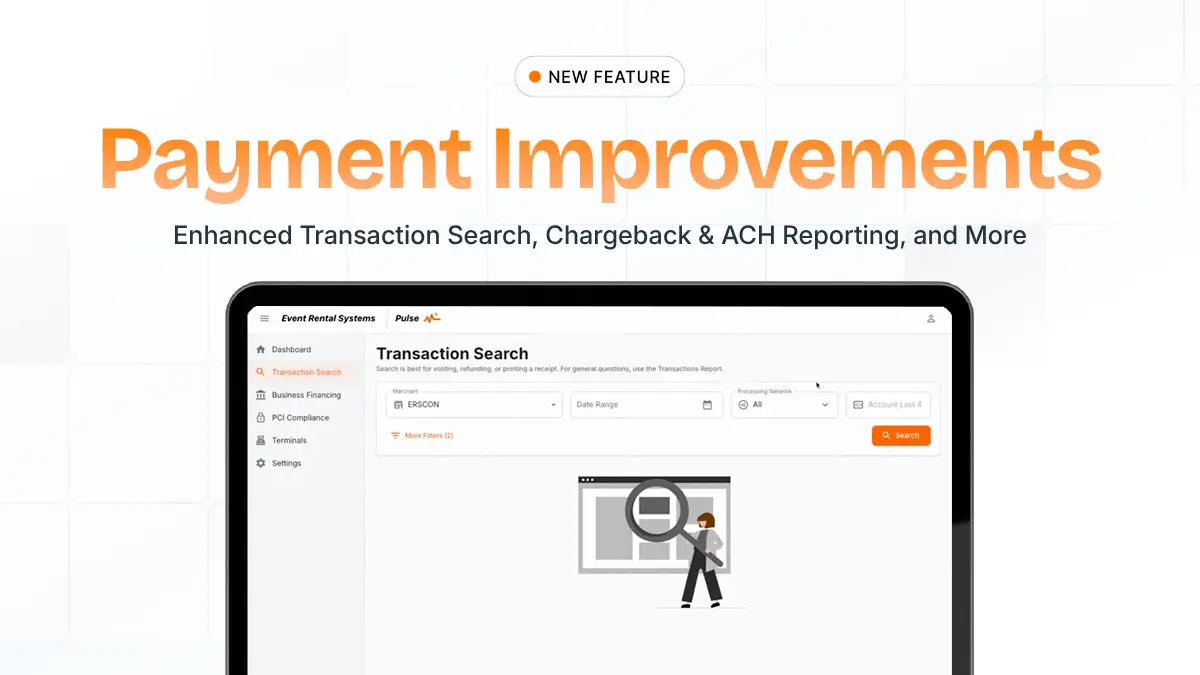
ERS has added several updates to make payment research, reporting, and daily operations easier for rental businesses.
With this release, users can now perform in-depth transaction searches, review chargeback and ACH return information directly in ERS, and navigate a redesigned Reports page built for easier access on desktop, tablet, and mobile.
This update includes:
- Enhanced transaction search
- Expanded chargeback reporting
- New chargeback action report
- New ACH returns report
- Redesigned reports page
Key Capabilities
In-depth transaction search
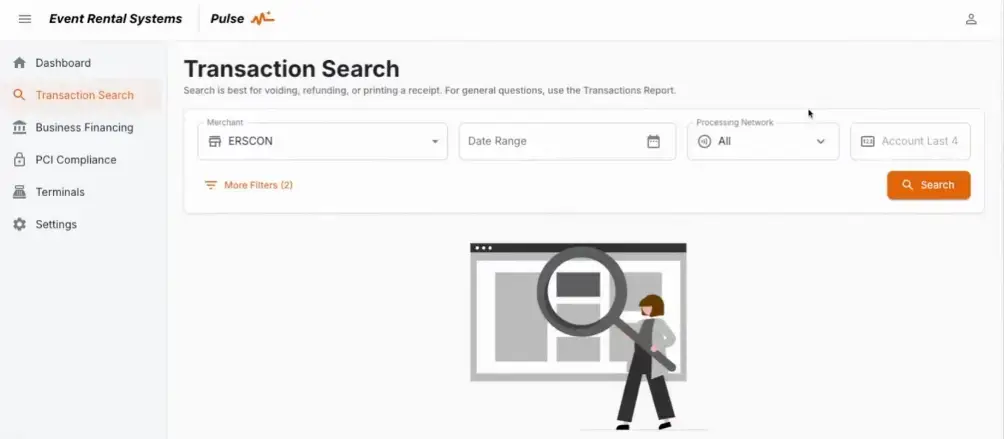
For the first-time the ERS platform now gives operators the ability to search for any transaction and see a full-detail panel that includes processing, payment, account, and reconciliation information for both approved and declined payments.
Updated and new reports for chargebacks and ACH returns
The updated Chargeback Report gives operators more context in one place, including merchant details, authorization dates, settlement dates, latest action details, chargeback type, card information, and region. This gives all the information an owner would need to act on a chargeback all in one place.
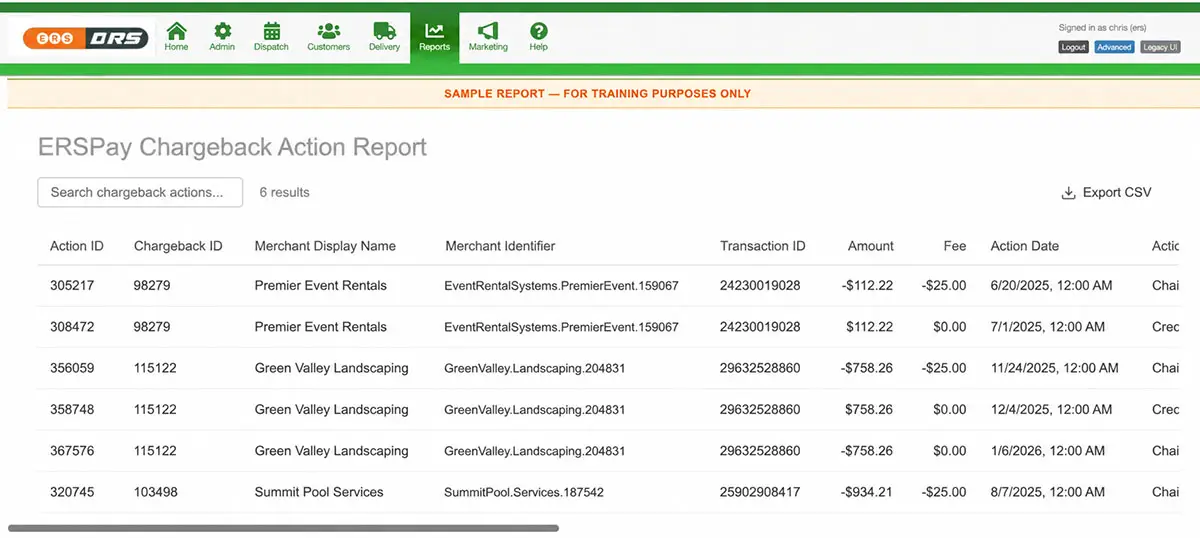
The new Chargeback Action Report shows the full lifecycle of each chargeback, with every action listed as its own line item. Operators can see charges, credits, reopened disputes, funding IDs, and deposit dates, making chargeback tracking and reconciliation easier.
The new ACH Returns Report provides transaction-level visibility into returned ACH payments, including return codes, descriptions, amounts, fees, transaction details, and settlement dates. This gives teams complete visibility into ACH returns without having to go outside of the platform.
Redesigned reports page in control panel
The reports page in control panel has been redesigned with a mobile-optimized layout with a new section added for starred reports.
Ideal Use Cases
These updates are especially helpful for rental businesses that need direct access to failed payments, chargebacks, ACH returns, and reconciliation details.
- An operator investigating a failed or declined payment can gather transaction details without having to file a support ticket
- An operator needing information to prepare chargeback documentation can now search for CVV/AVS responses, Card BIN, network details, and authorization amounts in one place
- A finance team reconciling end-of-month payments can confirm account ownership, invoice numbers, line-item details, and authorization totals in one view instead of having to use an external application
- An operator responding to a chargeback dispute can open the Chargeback Action Report to see every action taken, the case ID, and the most recent status
- A finance team tracking ACH performance can use the ACH Returns Report to catch return codes and exceptions as they become available
Why it matters
These new payment and reporting updates give rental businesses more visibility and access to details regarding transactions, chargebacks, and ACH returns.
For rental businesses, these updates help teams:
- Find transaction details quicker without having to leave the platform
- Better understand why payments failed or were declined
- Review chargeback details, action history, and current dispute status in one place
- Track ACH returns with return codes, descriptions, amounts, fees, and transaction details
- Access commonly used reports more easily from desktop, tablet, or mobile
These updates remove the need for certain support requests, simplify reconciliation, and give teams the information they need to resolve payment issues more confidently.
Key takeaway
These updates help rental businesses spend less time searching for payment details and more time resolving issues. You get deeper transaction visibility, clearer chargeback and ACH return reporting, and a redesigned Reports page that makes key information easier to access.
It’s a straightforward way to simplify payment research, facilitate reconciliation, and reduce the back-and-forth that slows teams down.
Questions or Support
If you have any questions about these new features or how they work, contact your Account Manager or send a message to support@eventrentalsystems.com.