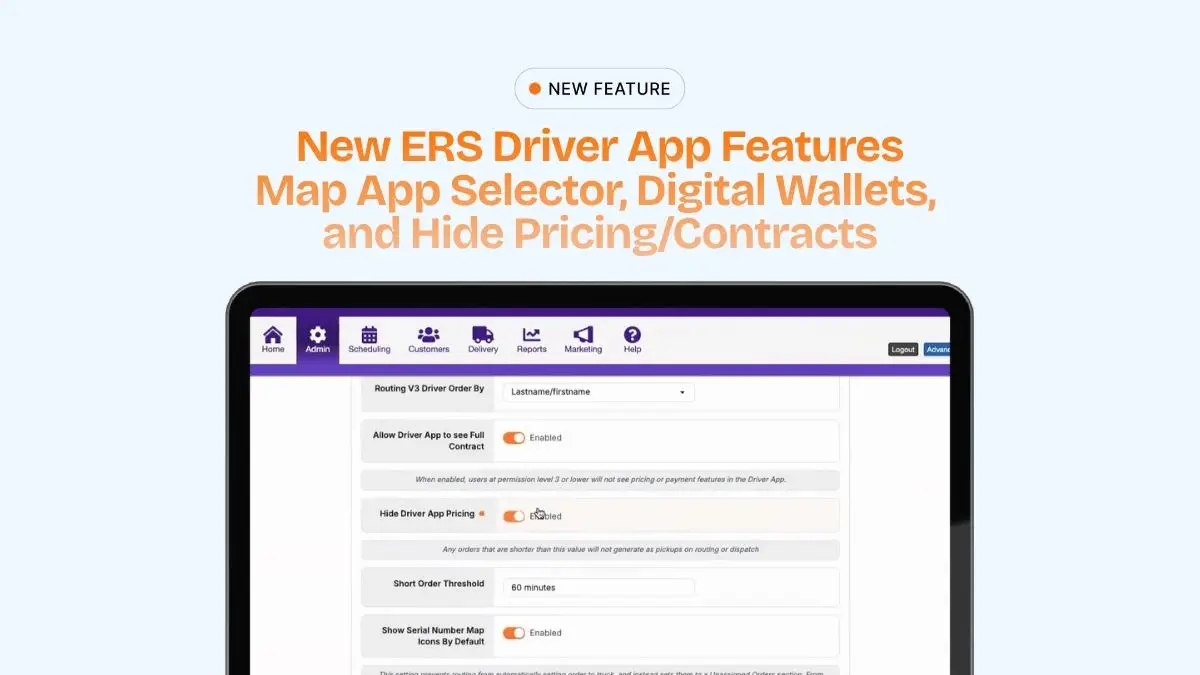

What’s New?
The updated ERS driver app now includes two new features built to improve field operations:
- Hide Driver App Pricing and Contracts setting
- Map app selector
- Pay by Link with Credit Card, ACH, Apple Pay, and Google Wallet
Together, these updates help drivers move through their routes faster and collect payments more easily.
Key Capabilities
Hide Driver App Pricing and Contracts
ERS now gives operators the option to hide pricing details and contracts from drivers in the app.
This setting is called Hide Driver App Pricing and can be found in Routing Settings.
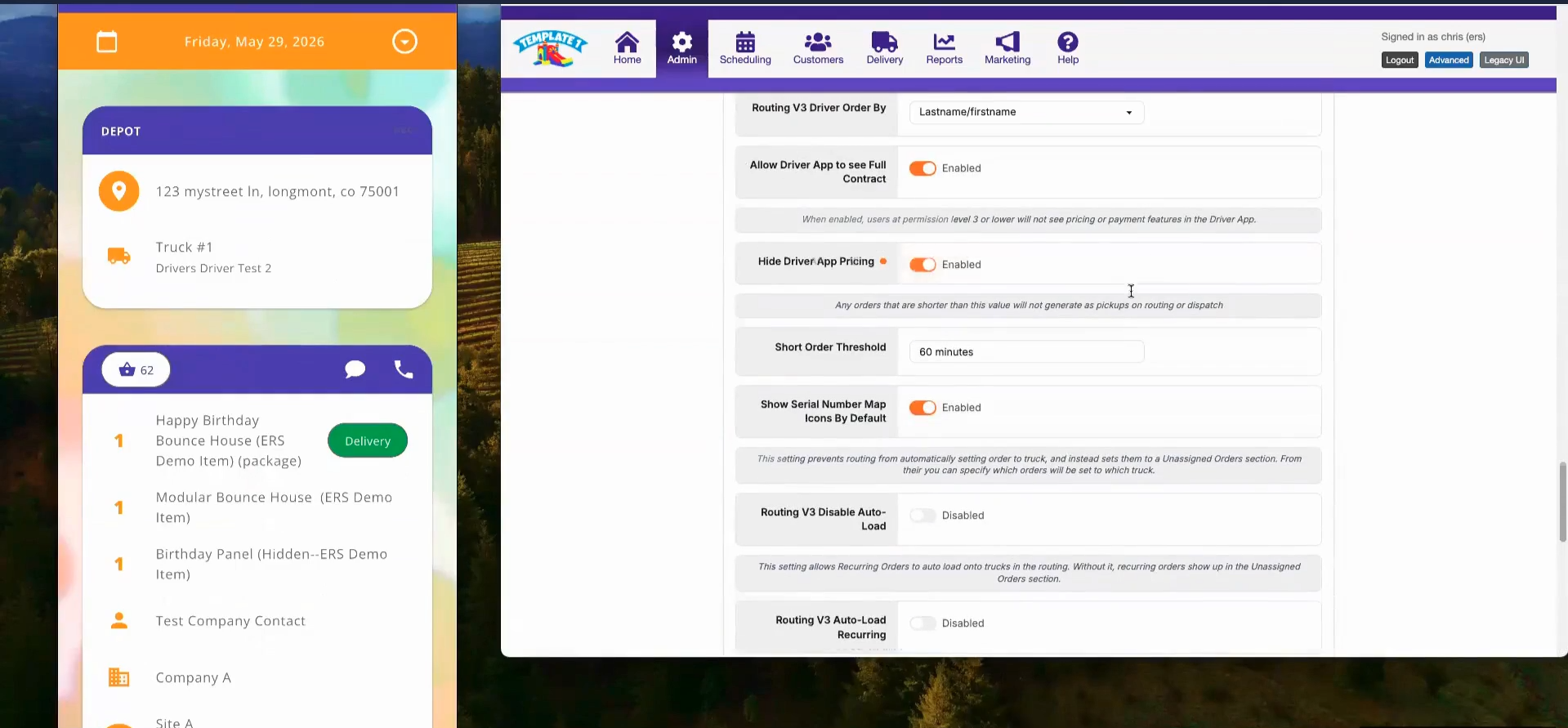
When enabled, it prevents users in the Driver user group from viewing restricted pricing and contract information inside the driver app.
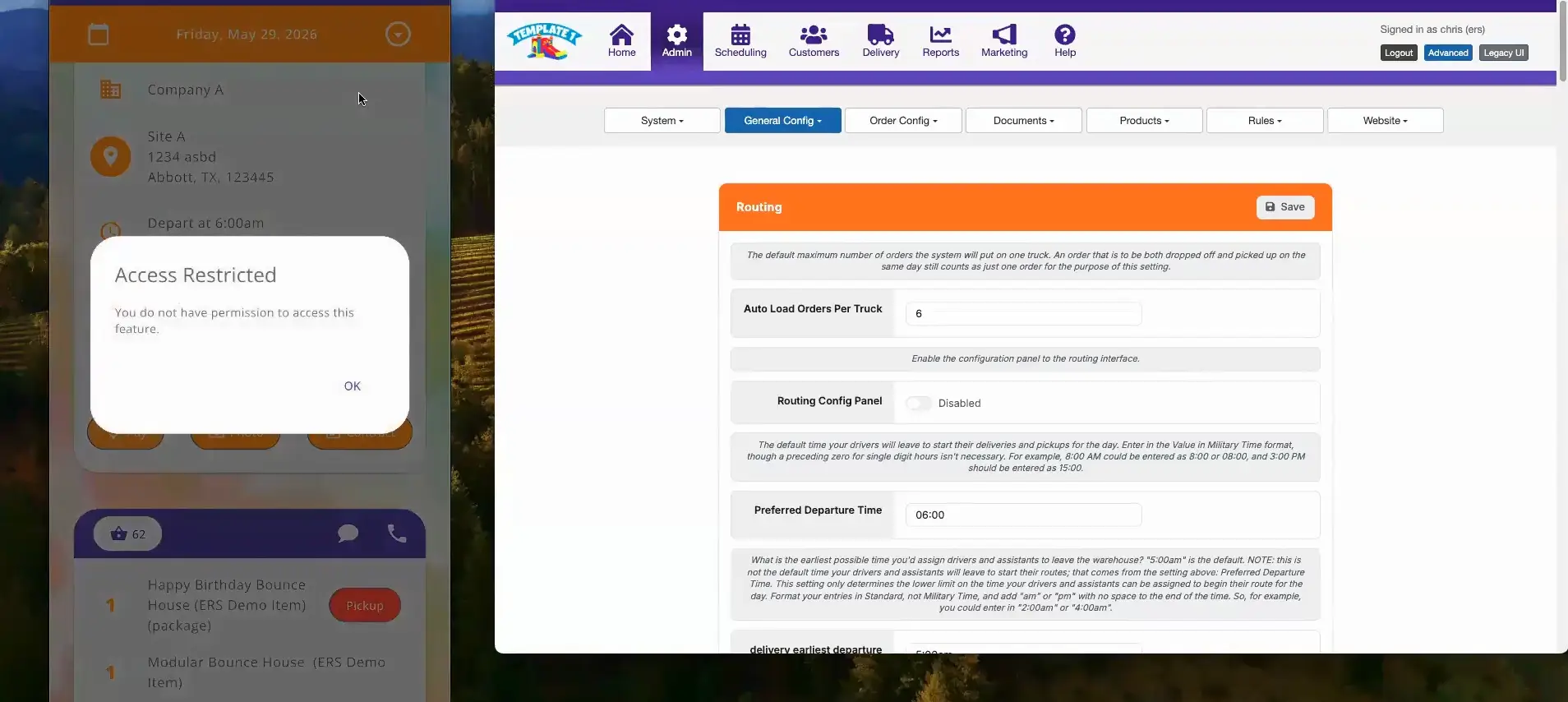
Once turned on, drivers will see an Access Restricted message when they try to access pricing-related areas, including:
- The Pay button
- The Contract button
- The dollar sign icon on the order details screen
Important Setup Note
After enabling Hide Driver App Pricing, drivers must log out of the app and log back in for the change to fully take effect.
If the driver does not log out, the app may only partially hide the information. For example, the Pay button may show the amount as zero, and the Contract button may still appear but display TBD instead of actual values.
Logging out and back in refreshes the app permissions and applies the full restriction.
Map App Selector
Drivers can now choose their preferred navigation platform when opening directions from the driver app.
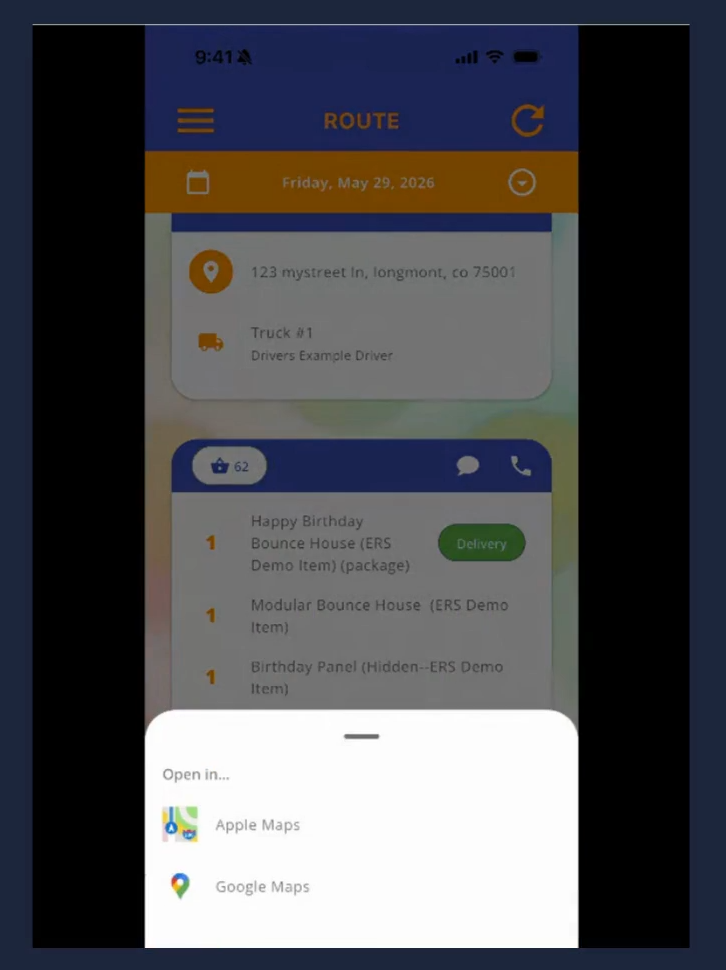
The first time a driver taps the map pin icon, the app will ask which map app they want to use. Once selected, every address will automatically open in that app going forward.
If a driver needs to change their preferred map app later, they can long-press the map pin icon and choose a different app.
Pay by Link with ACH and Digital Wallets
ERS has also added Pay by Link to the driver app, giving customers a simple way to pay their remaining balance while the driver is on site.
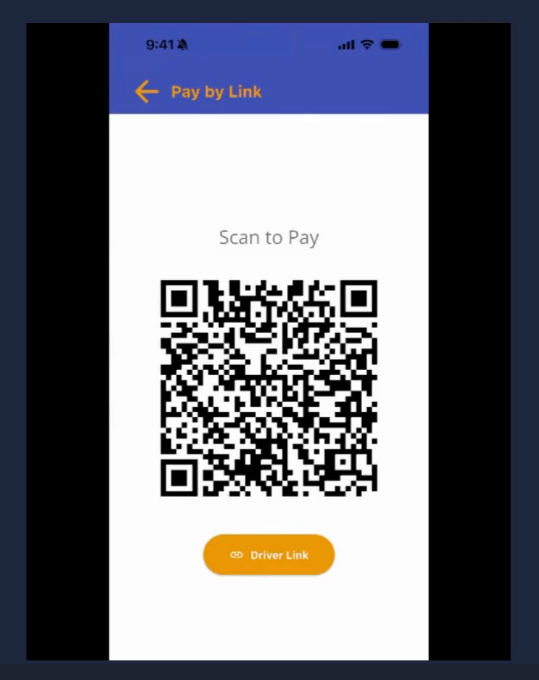
On the Take Payment screen, drivers will now see a Pay by Link option. When tapped, the app displays a QR code that the customer can scan with their phone.
From there, the customer is taken to a secure payment page where they can complete payment using:
- Credit card
- ACH
- Apple Pay
- Google Wallet
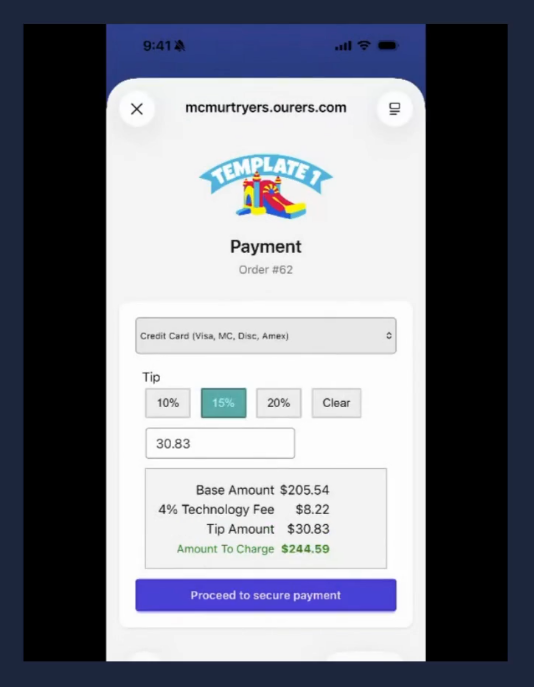
If the customer cannot scan the QR code, the driver can tap the Driver Link button to open the payment page directly on their device and hand it to the customer.
Ideal Use Cases
- Drivers who have a preferred navigating app that they want to set as the default
- A driver who needs to collect a remaining balance from a customer can automatically generate a link for payment
Why It Matters
These driver app updates are built to make daily operations smoother in the field and specific information restricted to those who should have access.
For party rental businesses, these updates help teams:
- Give drivers more flexibility with directions
- Let customers pay by their choice of card, ACH, Apple Pay, or Google Wallet
The result is a driver app that is easier to use and more payment-friendly.
Key Takeaway
These updates help party rental businesses simplify tasks for drivers and customers. Drivers get more flexibility with routing and customers get a smoother payment experience.
Questions or Support
If you have any questions about these new features or how they work, contact your Account Manager or send a message to support@eventrentalsystems.com.